 Carna
Assignments and the Learn shelf
Two different places. If a module disappeared from Learn, this explains why.
Carna gives you work in two places and they behave differently.
Learn #
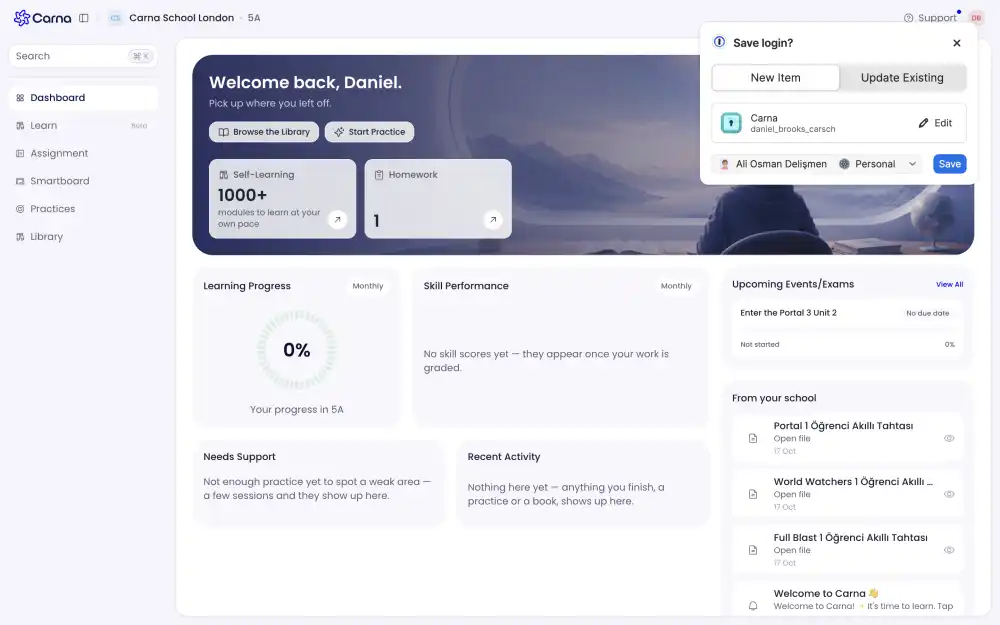
Your own shelf. Work you picked up yourself, in your own time, with two tabs — Active for what you are in the middle of, and Completed for what you have finished. These are two different sets of courses, not two filters on one list.
Assignments #
Work your teacher gave you, with their rules: how many attempts you get, whether you see the answers, and when it is due.
Why a module vanished from Learn #
This is the question people ask, and it is not a bug. When your teacher assigns a module to you, it leaves your Learn shelf and appears under Assignments instead.
The reason is simple: before this rule existed, you could solve a module quietly on your shelf, see every answer, and then hand in the assignment already knowing them. That is not practice and it is not a fair mark.
It stays gone #
Once a module has ever been assigned to you, it does not come back to your shelf — not if your teacher unassigns it, and not if they archive it. Do that work under Assignments.
If you cannot find something you were part-way through, look in Assignments before you assume it was deleted.