 Carna
Practices: speaking and writing
What a speaking scenario looks like, how the goals work, and what happens when you end one.
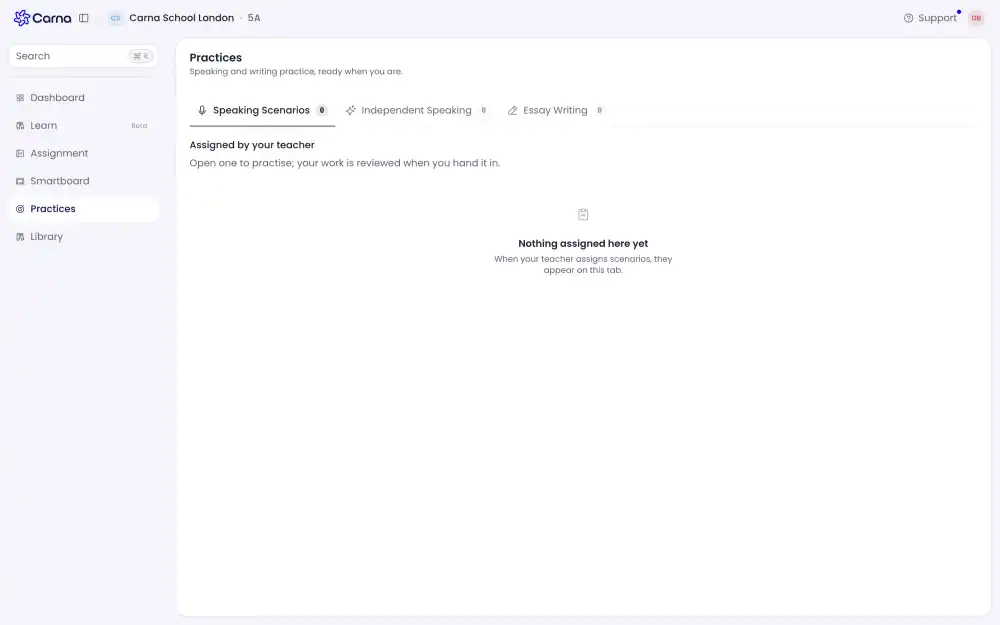
Practices are where you speak and write without being marked on it the way homework is. Open Practices from the menu on the left.
There are three kinds, and the number next to each one is how many you have:
- Speaking Scenarios — a conversation with a character, in a situation.
- Independent Speaking — you speak on your own, without a partner.
- Essay Writing — you write.
What you see here is what your teacher assigned. Open one to practise; your work is reviewed when you hand it in.
Inside a speaking scenario #
You get a situation and a partner. For example: you and a friend are at a café after school with 300 lira between you, and Mia is behind the counter.
The top of the screen tells you whose turn it is and what to do next — Order a drink for your friend — with a Try: line underneath giving you one way to say it. You do not have to use those words.
Goals #
On the right is a Goals list with a counter, like 0/6. The goals are grouped by what part of the conversation they belong to — drinks, then snacks, then the bill.
Some goals are locked at the start. A locked goal opens once you use the thing it needs, so you cannot pay the bill before you have ordered anything.
Speaking #
Tap or hold to talk. Your browser asks for the microphone the first time; if you say no by accident, you have to allow it again in the browser's site settings before the button will work.
Play again repeats what your partner just said, as many times as you want. The Conversation panel underneath keeps everything that has been said, and Hide all folds it away if you would rather listen than read.
Ending it #
Press End practice whenever you like. You do not have to reach every goal — the report covers what you actually did.