 Carna
Roles: who can do what
Owner, admin, teacher, student — and why an admin sees a different app from a learner.
Carna has four roles that matter day to day in a school.
| Role | What it is for |
|---|---|
| Owner | The account that set the school up. One per school. |
| Admin | Runs the school: people, invites, access. |
| Teacher | Runs classes: students, requests, reports. |
| Student | Learns. Sees none of the above. |
Admins and teachers see different apps #
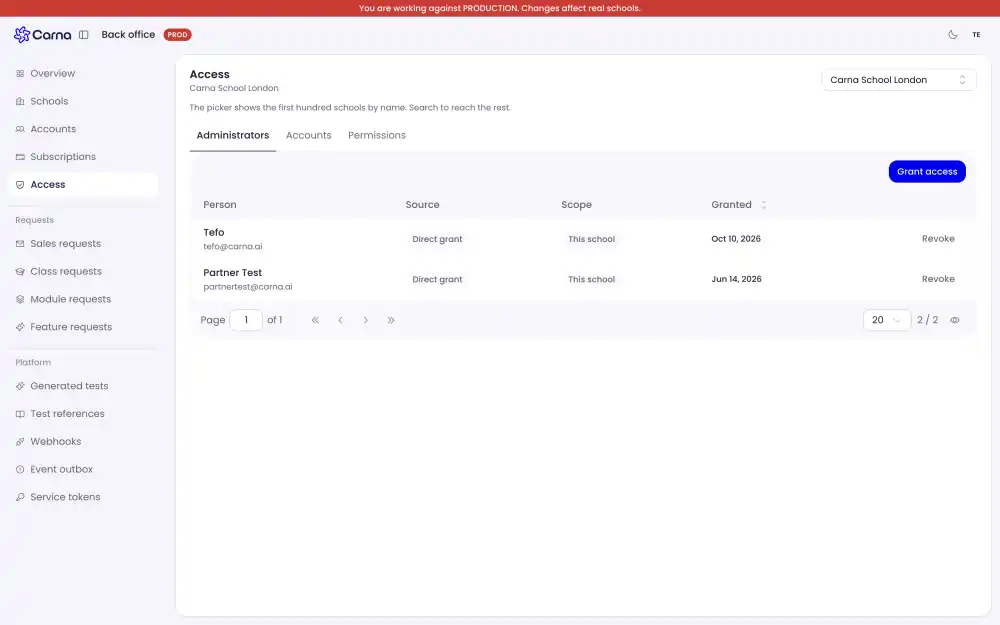
This surprises people, so it is worth stating plainly: a learner and an administrator are not looking at the same screens. There is a learner side and an operations side, and your role decides which one you get when you sign in. They are deliberately kept apart rather than one list with half the rows hidden.
Where admin and teacher overlap #
The Students page is open to both. A teacher needs their class list as much as an admin does, so it is not an admin-only destination.
What an admin has and a teacher does not is Invites — creating codes for whole groups of people at once. A teacher who tries to open it is sent back to the student list; this is a permission, not a bug. See Adding people with invites.
Changing somebody's role #
A role belongs to the school, not to the person's account, so the person cannot change their own. An admin sets it. If a teacher is showing up as a student, that is the fix — not a new account.
Carna's own staff #
Nobody at Carna gives themselves a role in your school to look around. If you want us to see what you are seeing, tell us and we will ask.