 Carna
Approve the people waiting to join
The Requests tab, and why Reject asks twice but Approve does not.
When a class needs your say-so, everyone who enters the code lands in a queue rather than in the class.
Where the queue is #
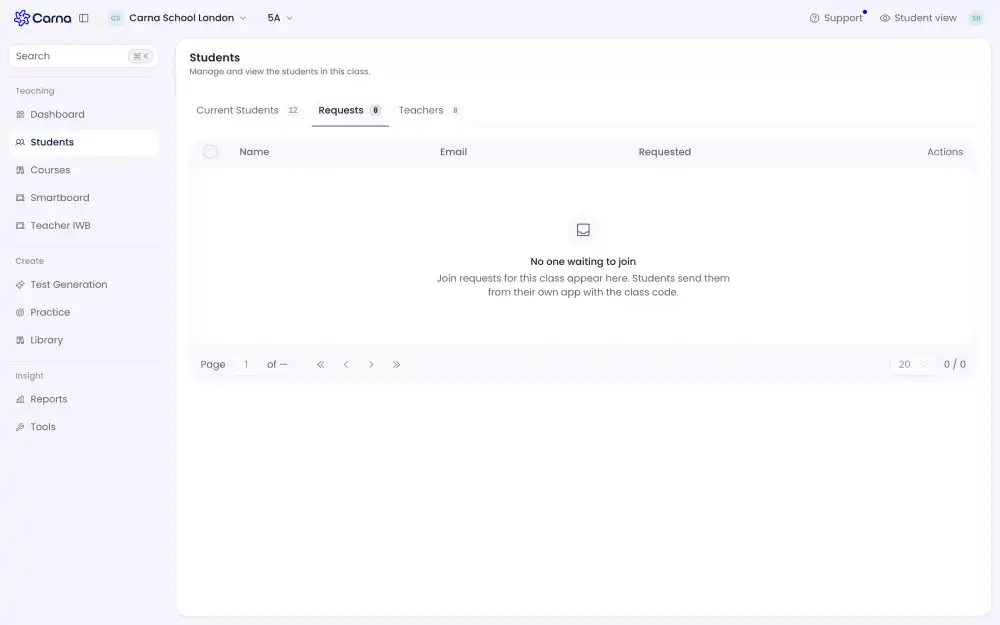
Open your class list and switch to the Requests tab. Each row shows the person's name and email and how long ago they asked, with Approve and Reject at the end.
These are plain buttons rather than a hidden menu on purpose: this tab exists to be answered, and the queue is usually two or three rows long.
Approve is instant, Reject asks first #
Approve happens on the press — it is easy to undo by removing the student later.
Reject asks you to confirm, because the person on the other end sees nothing happen and has no way to tell a refusal from a delay. If you reject by accident they have to ask you for the code again.
What the student sees while they wait #
A waiting screen that checks itself every ten seconds. They do not need to refresh, and they can close the page — the request survives. When you approve, their screen moves on by itself.
This is worth telling a class before you start: the usual support question is a student who thinks the page has frozen.
If somebody joined the wrong class #
Reject the request and give them the right code.