 Carna
How classes are set up
Teachers do not create classes in Carna. Your school’s administrator does, and here is who to ask for what.
A class is where your students, their work and your reports live. You do not create one yourself.
There is no Classes item in the teacher menu, and there is no "new class" button on any teacher screen. Classes are set up by your school's administrator, together with Carna, when the school is put on the platform — and again whenever the school adds a group.
What to ask for #
Go to your school's Carna administrator with three things:
- The class name your students will recognise — the one on their timetable, not an internal code. It is what they see when they pick a class.
- One class per group you actually teach. Resist one big class holding everyone: reports are read per class, so a class that mixes two groups gives you an average of two groups, which describes neither.
- Who teaches it. A teacher is put on a class when the account is made; being a member of the school is not the same as being on a class.
How you know you are on a class #
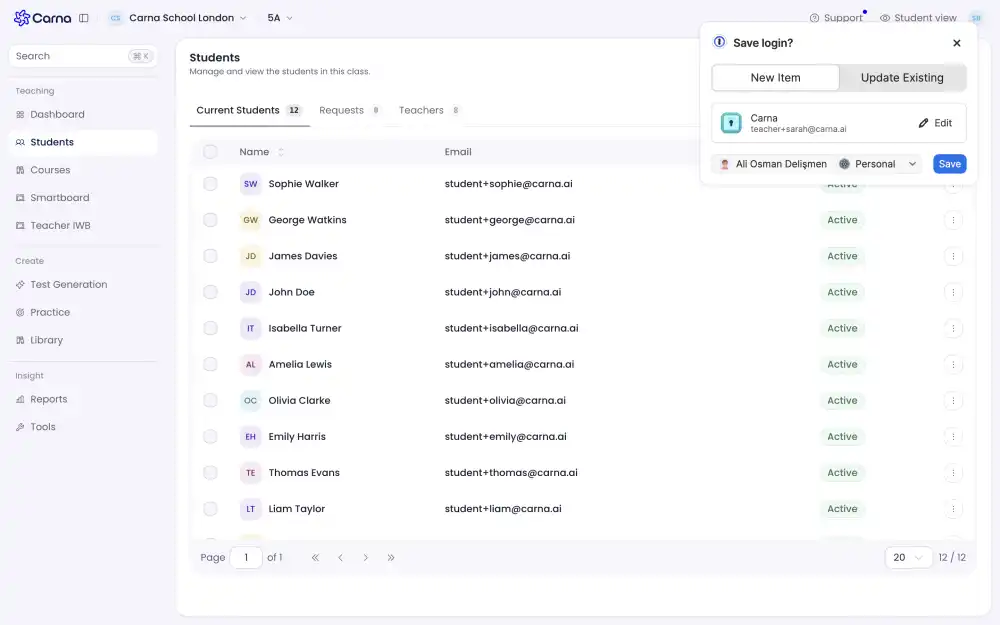
The class name sits in the bar at the top, next to the school name. If there is no class name there, you are in the school but not on a class, and the teaching screens will be empty or blank.