


































How to fix audio that won't play on iPad or Safari
Get listening questions, book audio and speaking practice sounds playing again on iPad, iPhone or Safari.
Who is this for: Students
Summary: Get listening questions, book audio and speaking practice sounds playing again on iPad, iPhone or Safari.
Before you start: Use Safari on iPad and iPhone, and make sure your device has the latest iPadOS or iOS update.
Steps #
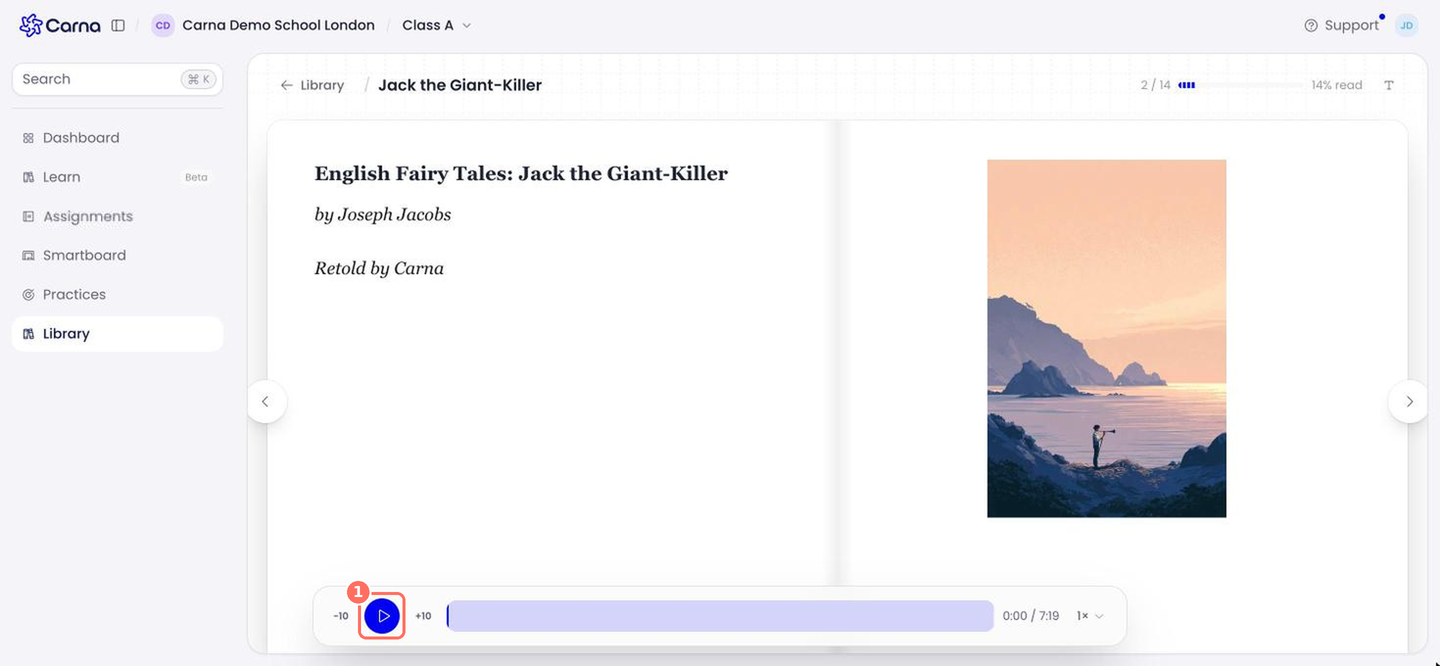
- Tap the play button yourself. Safari doesn't start sound on its own, so audio only begins after you tap play.
- Turn off silent mode. On iPad, swipe down from the top-right corner to open Control Center and turn off the bell icon if it's on. On iPhone, flip the Ring/Silent switch (or press the Action button) so silent mode is off.
- Turn the volume up with the volume buttons on the side of your device. Make sure sound isn't going to Bluetooth headphones that are in your bag or turned off: open Control Center and check the audio output.
- Reload the page: tap the reload button in the Safari address bar, then tap play again.
- If sound still doesn't play, close Safari completely (swipe up from the bottom and swipe Safari away), open it again and go back to org.carna.app.
Tips & Good to know #
- Close other apps that play sound, such as music or video apps, before you start a listening task.
- Wired or Bluetooth headphones help you hear clearly in class.
- On a Mac, check the sound icon in the menu bar and the speaker icon on the Safari tab: if it is crossed out, click it to unmute the tab.
- If you installed Carna on your home screen, the same steps apply. Open the app again after you change a setting.
Troubleshooting #
- Audio plays in other apps but not in Carna: check silent mode first (step 2), then reload the page and tap play.
- The sound is too fast or too slow: in a Library book, change the speed with 1×. See How to read a Library book.
- It still doesn't work: try Chrome on a computer to see if the problem is the device, then contact us through Support › Live Support or email support@carna.ai. Tell us your device and iPadOS or iOS version.