


































How to help a student who forgot their password
Point a student to the right way back into Carna: the sign-in page if their account has an email, or your school admin if they sign in with a username.
Who is this for: Teachers
Summary: Point a student to the right way back into Carna: the sign-in page if their account has an email, or your school admin if they sign in with a username.
Before you start: Teachers can't reset student passwords in Carna; your school admin can. Check on your Students page whether the student signs in with an email or a username.
Steps #
- Ask the student to open the Carna sign-in page at org.carna.app.
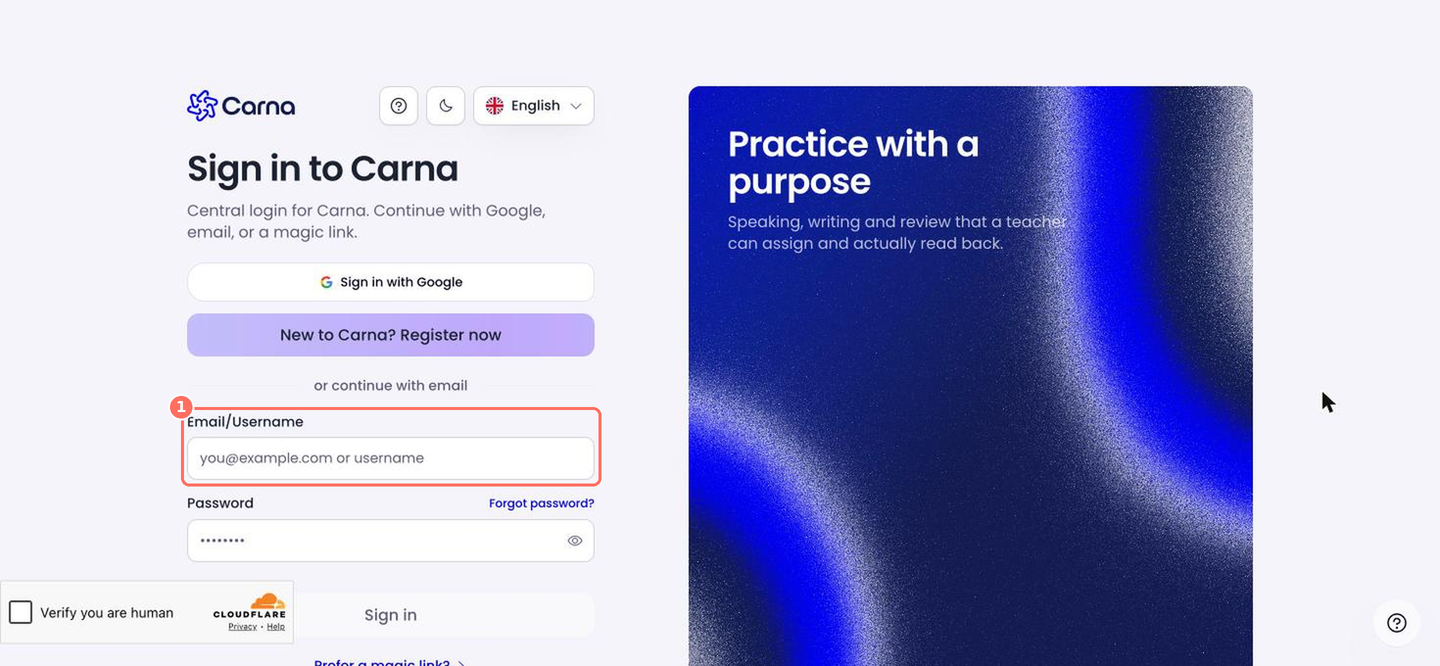
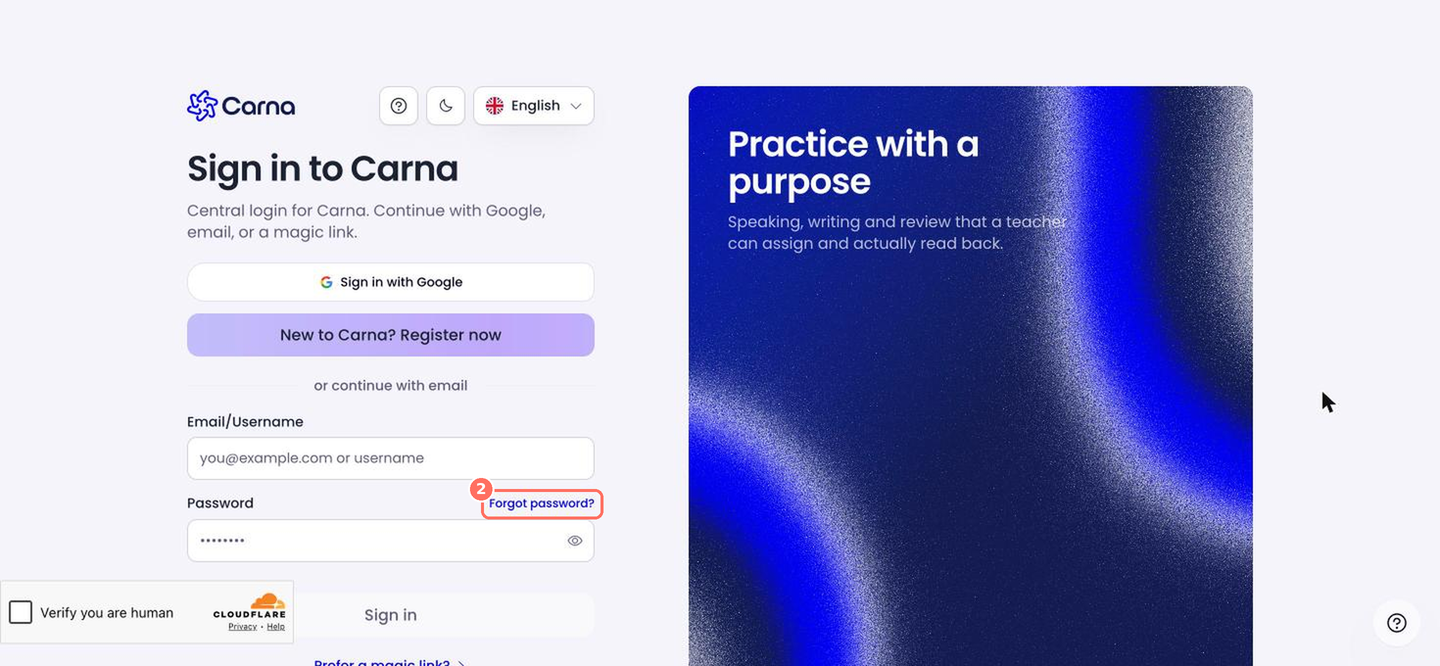
- If the student signs in with an email address, they click Forgot password? above the password box and follow the link in the email they receive.
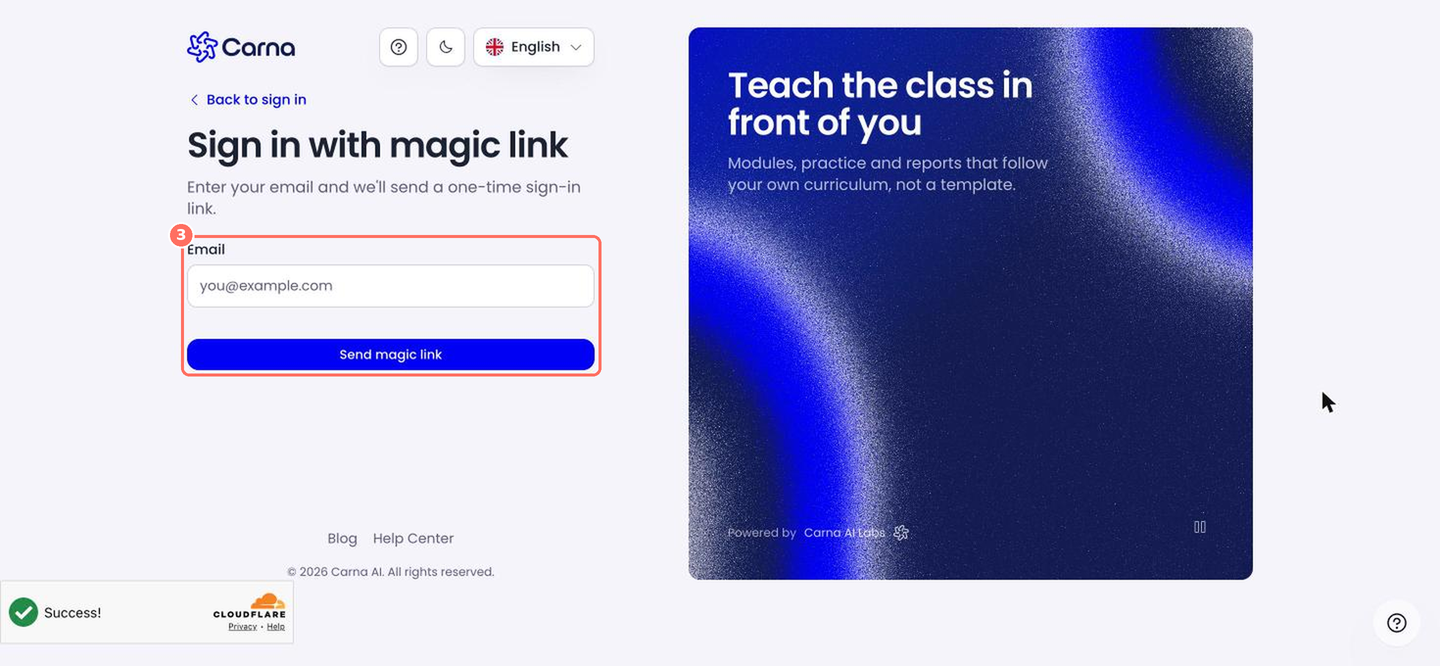
- Instead of resetting, a student with an email can also click Prefer a magic link? under Sign in to get a one-time sign-in link by email.
- If the student signs in with a username (no email on the account), a reset email can't reach them. Ask your school admin to reset the password, then give the new password to the student privately.
Tips & Good to know #
- On the Students page, the Email column shows how each student signs in: an email address or a username.
- Encourage students to add an email to their account, so they can reset their own password next time.
- Never ask a student to share their password with you.
Troubleshooting #
- The reset email doesn't arrive: ask the student to check spam or junk, wait a few minutes and make sure they typed the email they use for Carna. Then request a new link; older links may expire.
- The student can sign in but sees no class: their join request may still be waiting. See How to manage your class roster and join requests.